
Recipes
Save recipes and find them again
How the Mine, Imported, Discover and Recipe Book tabs on the Recipes page work.
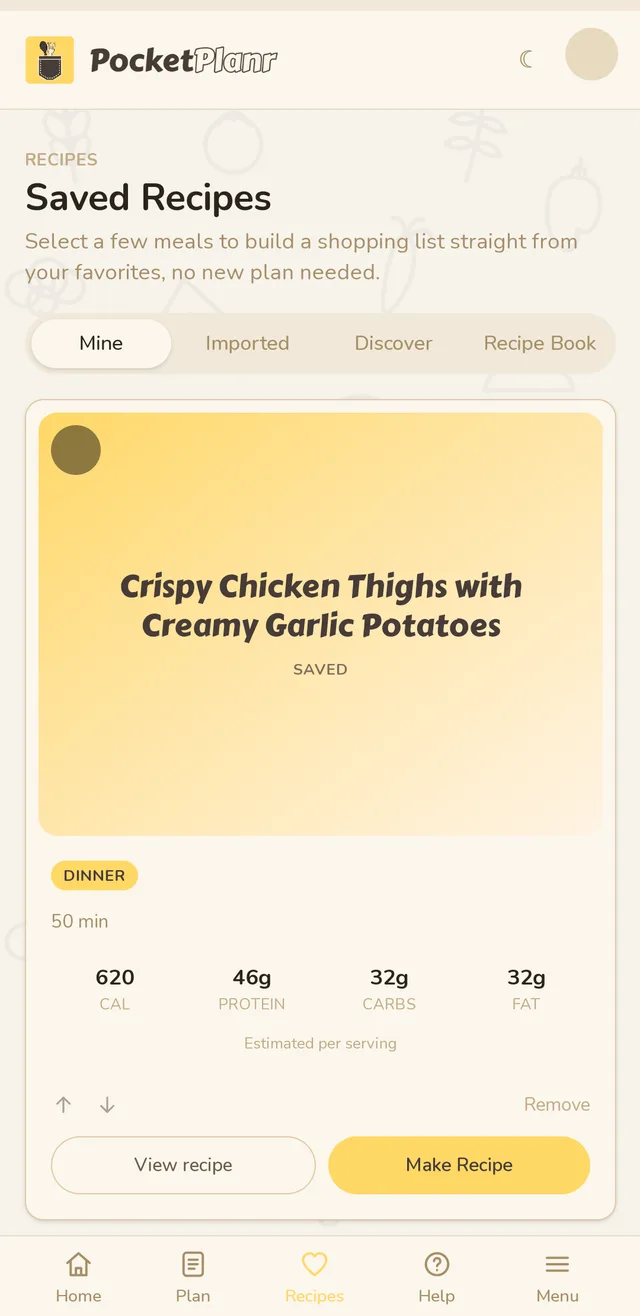
Tap Recipes in the bar at the bottom. The page has four tabs.
Mine holds the recipes you have saved. Tap the round circle on a card to select it. Select a few, then tap Build Shopping List to get one combined list, no new plan needed.
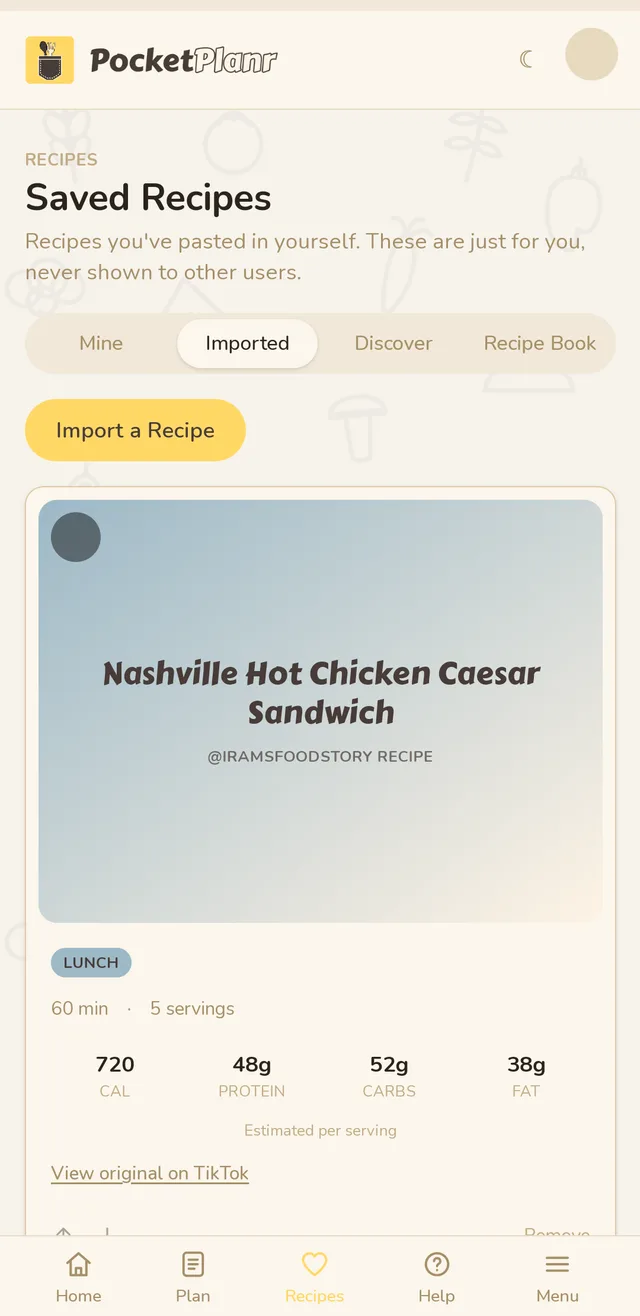
Imported holds recipes you brought in yourself. These are only visible to you. See Import a recipe.
Discover shows popular recipes other people have rated highly. Tap save to keep one, and vote on the ones you try.
Recipe Book turns saved recipes into a cookbook you can download. See Make a recipe book.
Related guides
Didn't answer your question?
Contact us