
Recipes
Make a recipe book
Pick saved recipes, name your book, and download it as a PDF whenever you want.
Recipe Book lives on the Recipes page, as the last tab.
Create a book
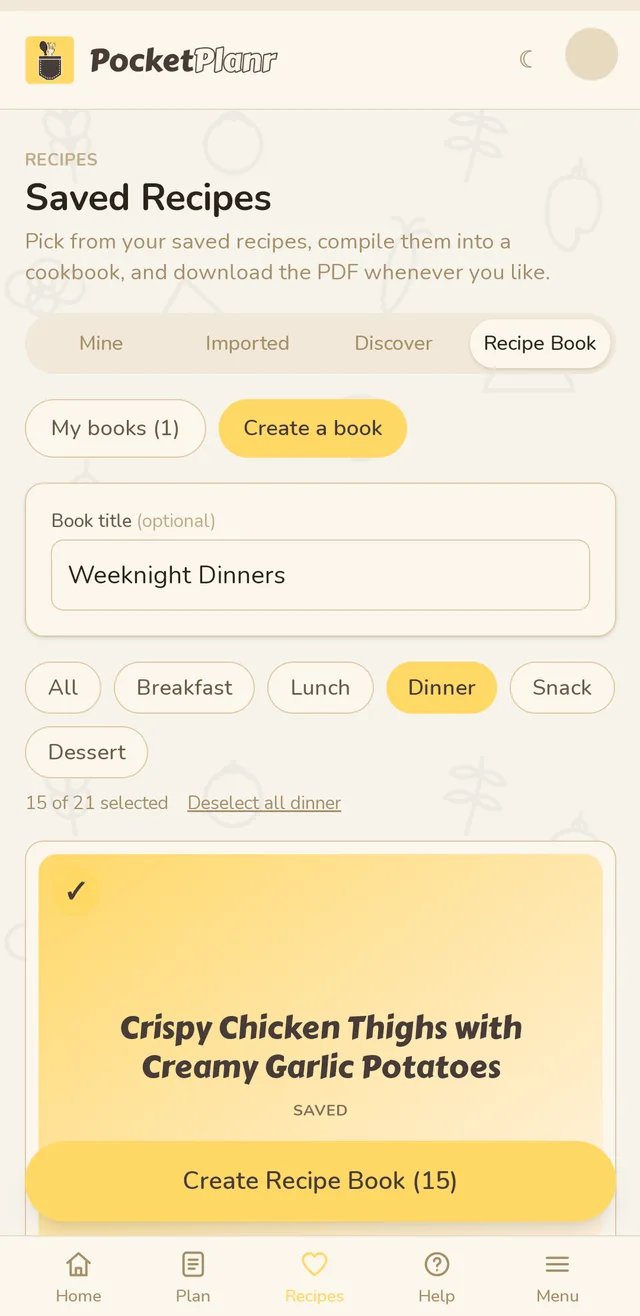
- Open Recipes, then Recipe Book, then Create a book.
- Give the book a name if you like.
- Tap the round circle on each recipe you want. Use the filters (All, Breakfast, Lunch, Dinner, Snack, Dessert) to narrow the cards. Select all dinner picks every dinner at once.
- Tap Create Recipe Book at the bottom.
Creating a book does not start a download. It saves the book and opens it.
Find it again
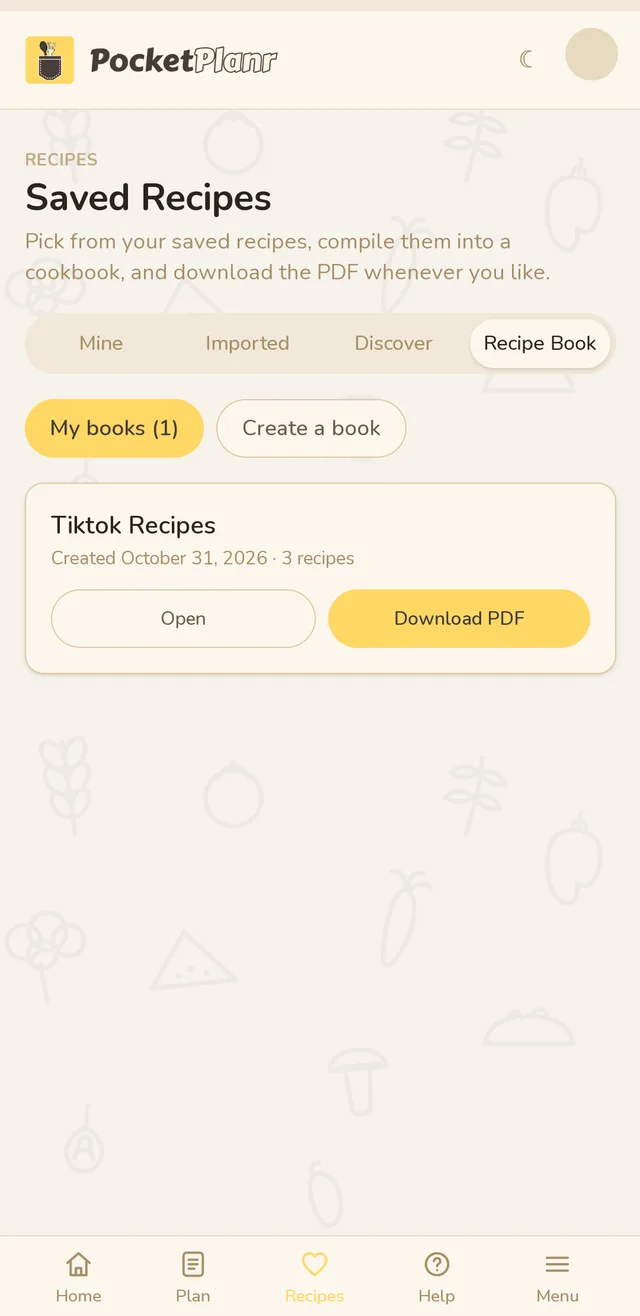
Every book you make is kept under My books, with its name, the date you created it and how many recipes are inside.
Download the PDF
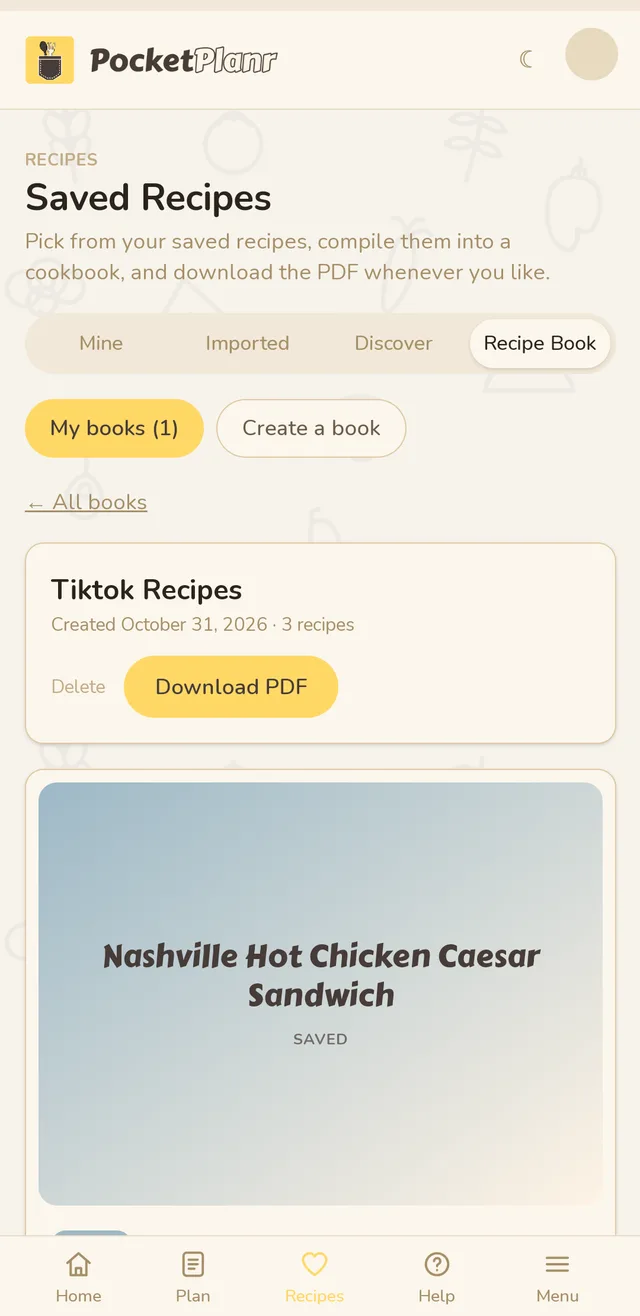
Tap Download PDF on the list, or tap Open to look through the recipes first and download from there. You can download it as often as you like, and Delete removes a book you no longer want.
Good to know
- A book keeps its own copy of the recipes. If you later remove a saved recipe, the book stays the same.
- Deleting a book never deletes your saved recipes.
- Making recipe books is part of Pro.
Related guides
Didn't answer your question?
Contact us