
Getting started
Build your first week of meals
Seven quick steps, from what you feel like eating to a week of recipes and a grocery list.
Open the Plan tab and tap Plan a new week. The planner walks you through seven short steps, and you can go Back at any point.
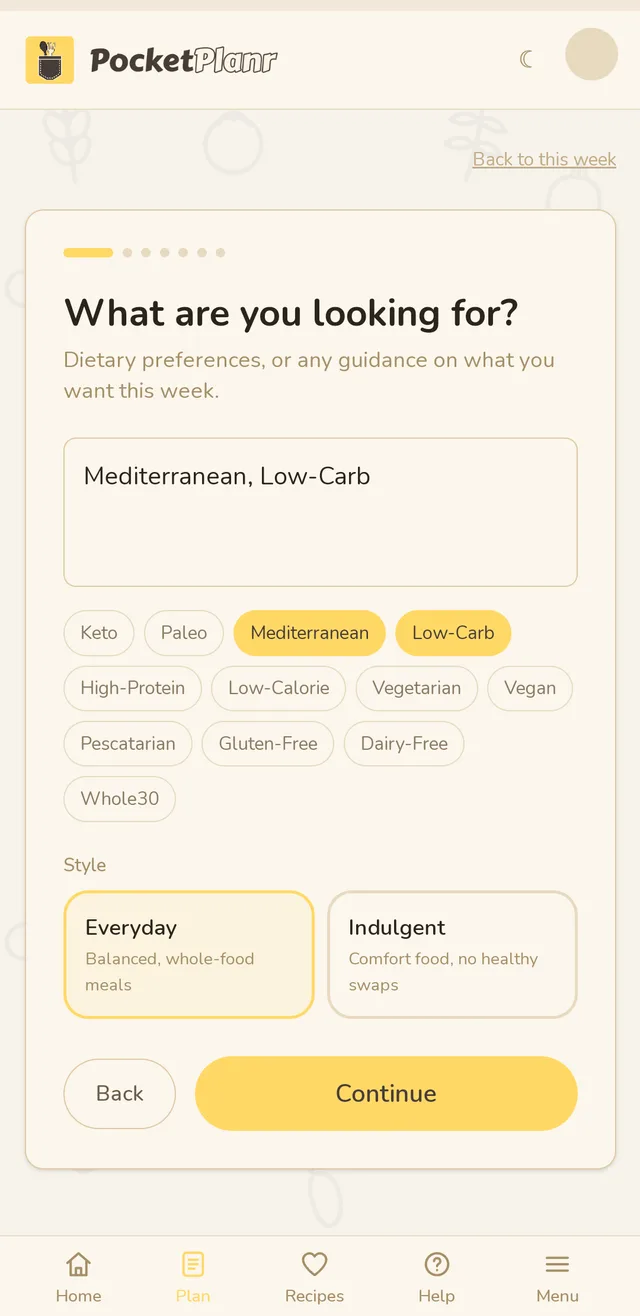
1. Say what you are looking for
Type what you want (like "no pork" or "something quick"), or tap the diet chips such as Mediterranean or Low-Carb. Then choose a style: Everyday for balanced, whole-food meals, or Indulgent for comfort food with no healthy swaps.
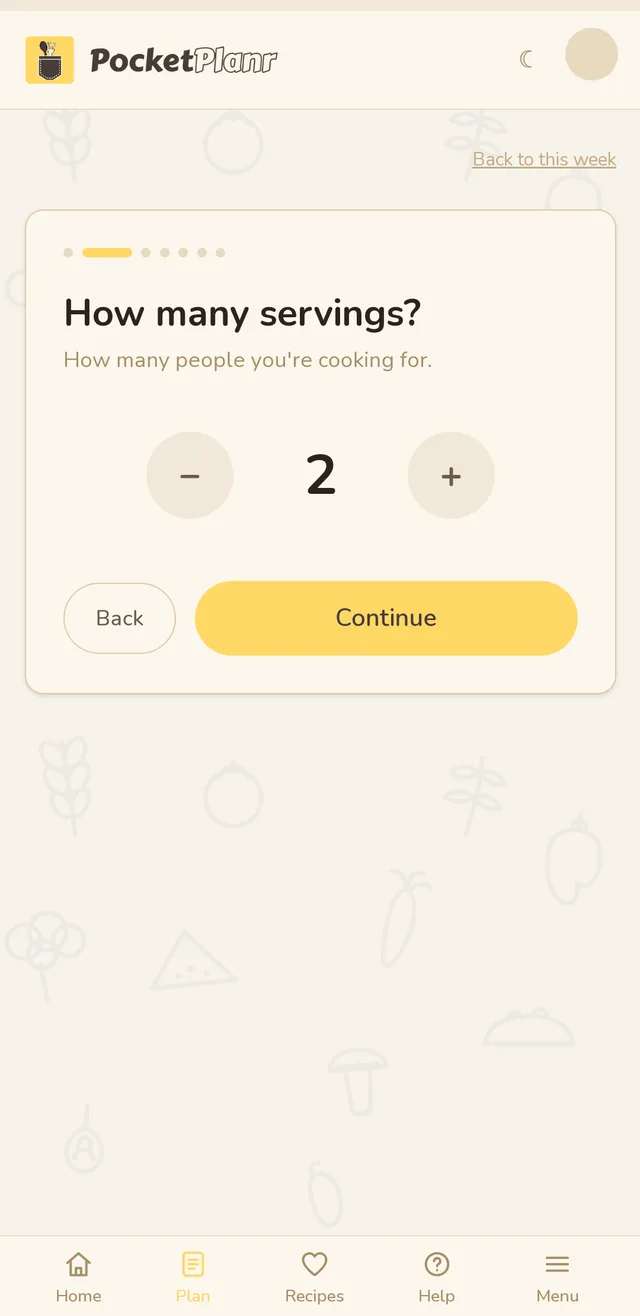
2. Set your servings
Choose how many people you are cooking for with the − and + buttons.
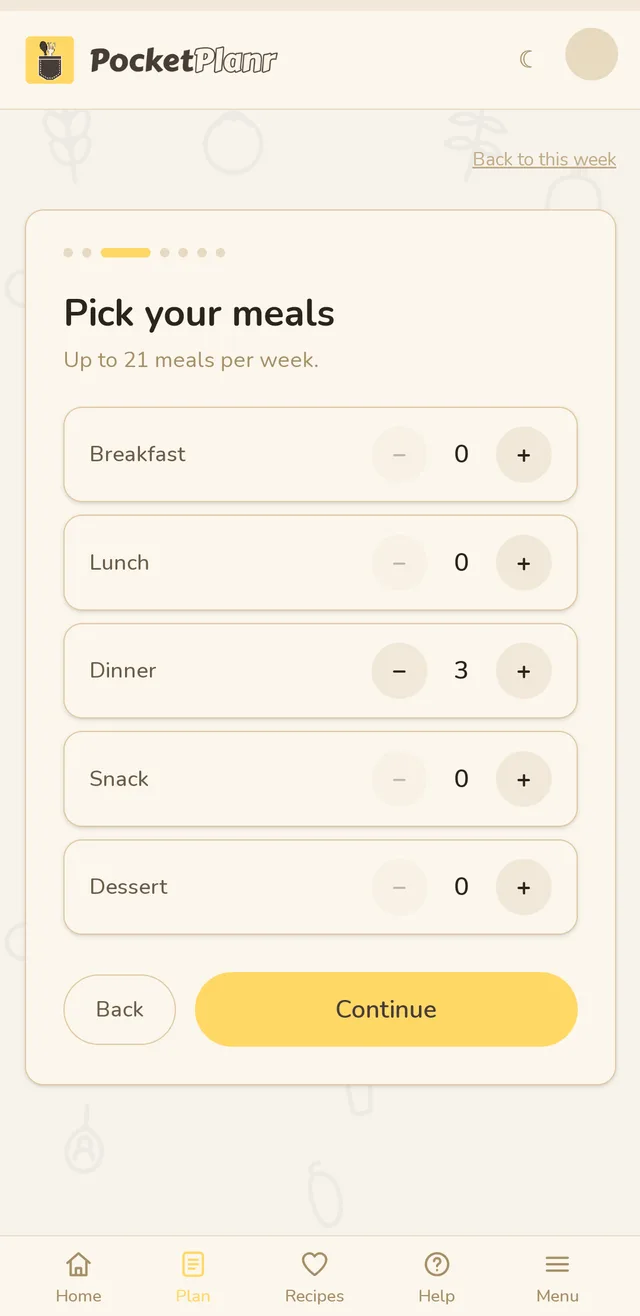
3. Pick your meals
Choose how many breakfasts, lunches, dinners, snacks and desserts you want. You can plan up to 21 meals a week.
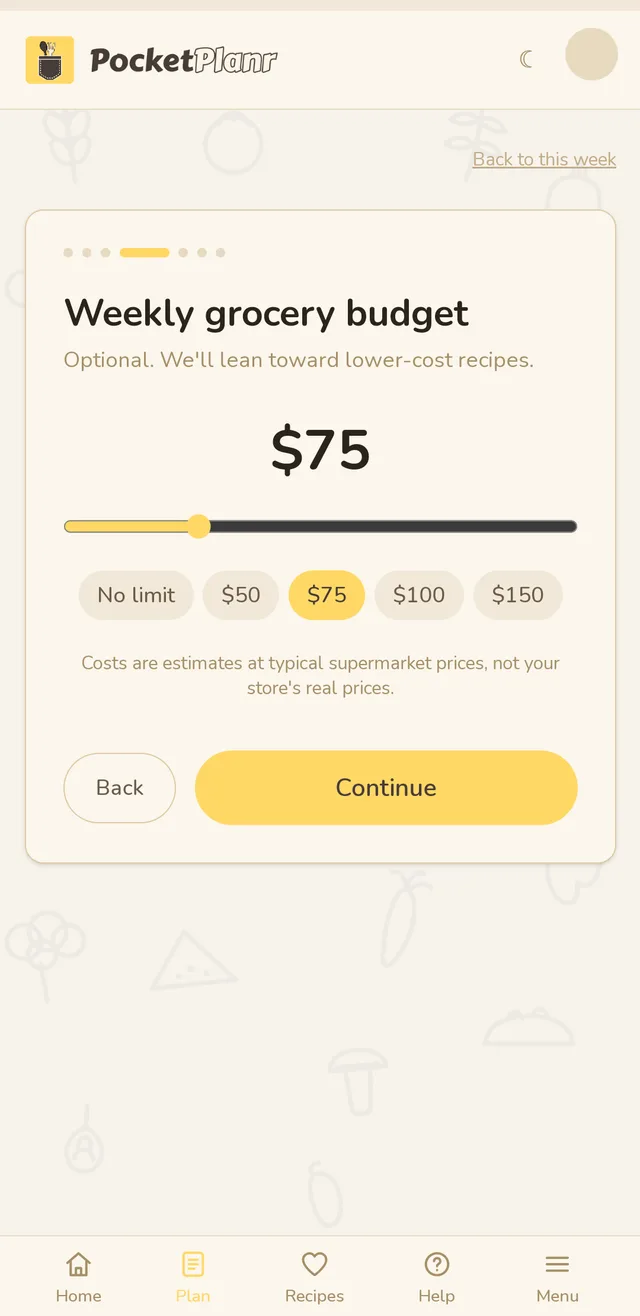
4. Set a weekly budget (optional)
Pick $50, $75, $100, $150 or No limit, or type your own number. Recipes lean toward lower cost when you set one. Costs are estimates at typical supermarket prices, not your store's real prices.
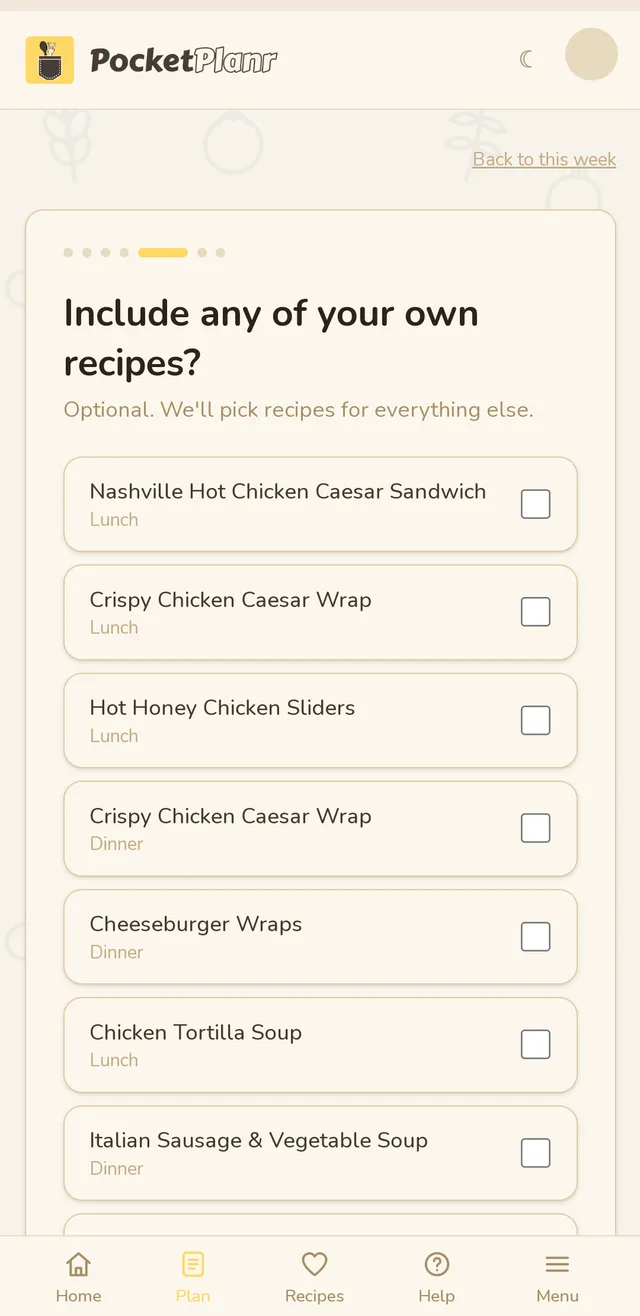
5. Add your own recipes (optional)
Tick any saved or imported recipe you want in this week, and we pick the rest. Tap Skip if you would rather not.
6. Restock essentials
Your usual items (eggs, bananas, paper towels) are shown here and get added to the shopping list automatically. Tap + Add to add another, and manage the full list under Settings.
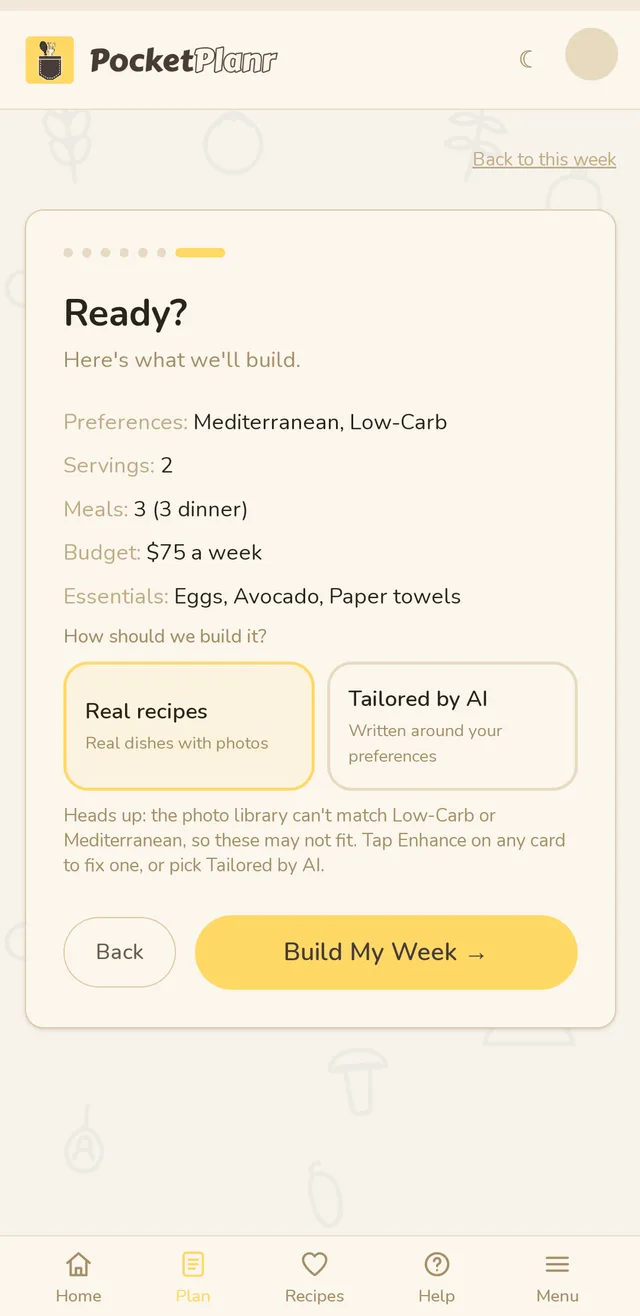
7. Check it and build
You get a summary of everything you chose. Then pick how to build the week: Real recipes (real dishes with photos) or Tailored by AI (written around your preferences). Tap Build My Week.
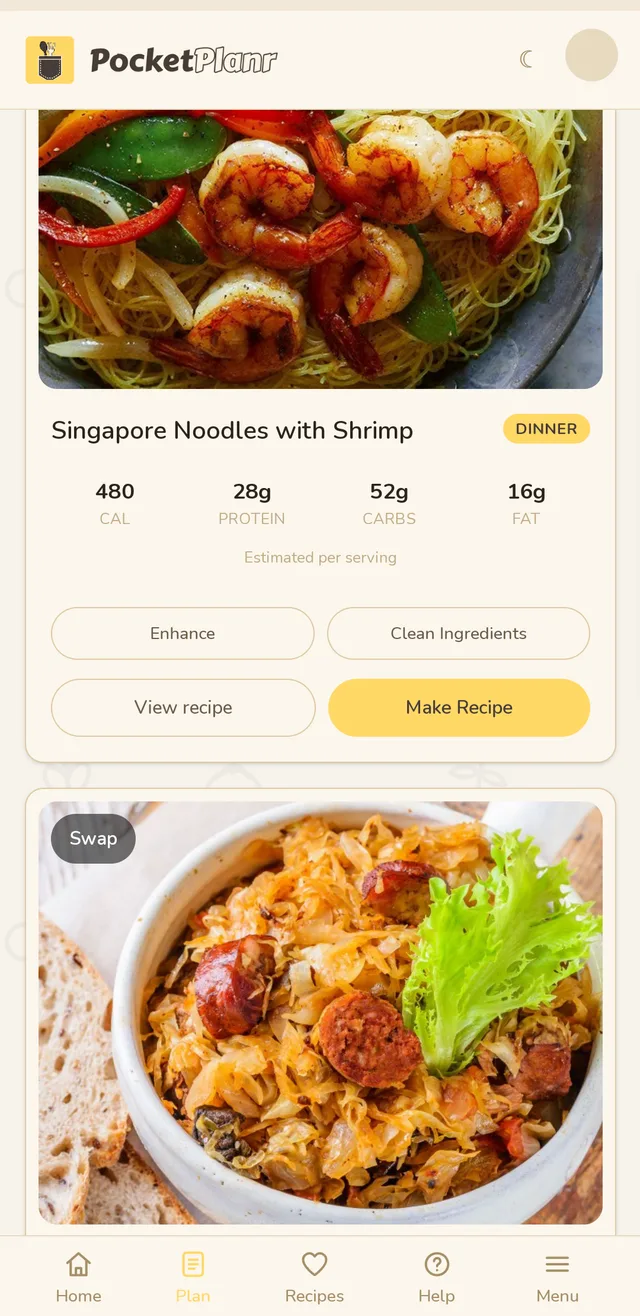
Your week
Each meal is a card. Swap trades it for a different recipe, Enhance tailors it to you, Clean Ingredients swaps out seed oils, refined grains and additives, View recipe opens the details, and Make Recipe walks you through it step by step.
Your week is saved to your account, so it is the same on your phone and on the web.
Didn't answer your question?
Contact us